Campaign templates

Starting points for the three things partners ask for most. Everything is editable and nothing is locked. Replace the placeholders, follow the clear-space rules, and you're moving. Campaign messaging itself is something we write together, per project.

Print and PDF

Co-branded flyer

PowerPoint, US Letter. Layout, logos, and palette are set; the words are yours. Dark and light versions.

gage.
Your headline goes here
Supporting line, event name, or offer
Body copy goes here. Two or three sentences that say what this is and who it is for.
gagetech.com

Flyer rules of thumb

  • Both logos at the top, equal visual weight, separated by clear space
  • One headline, one offer, one call to action
  • Gage Orange only on light backgrounds; White on black
  • Use the approved boilerplate from the Facts page for the "About Gage" block
  • Export to PDF before sending to a printer
Social

LinkedIn post images

The three sizes that matter, laid out the way we lay them out. Wordmark white on black, partner logo in the opposite corner, headline in the center third.

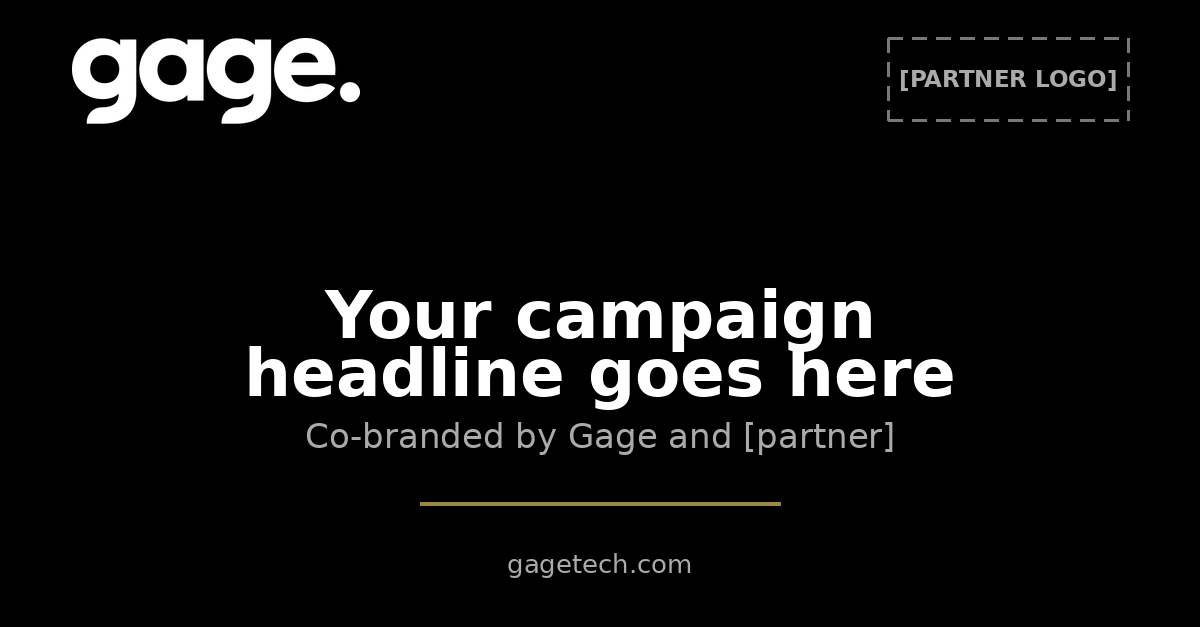
LinkedIn link image template, 1200 by 627
Link image · 1200×627PNG
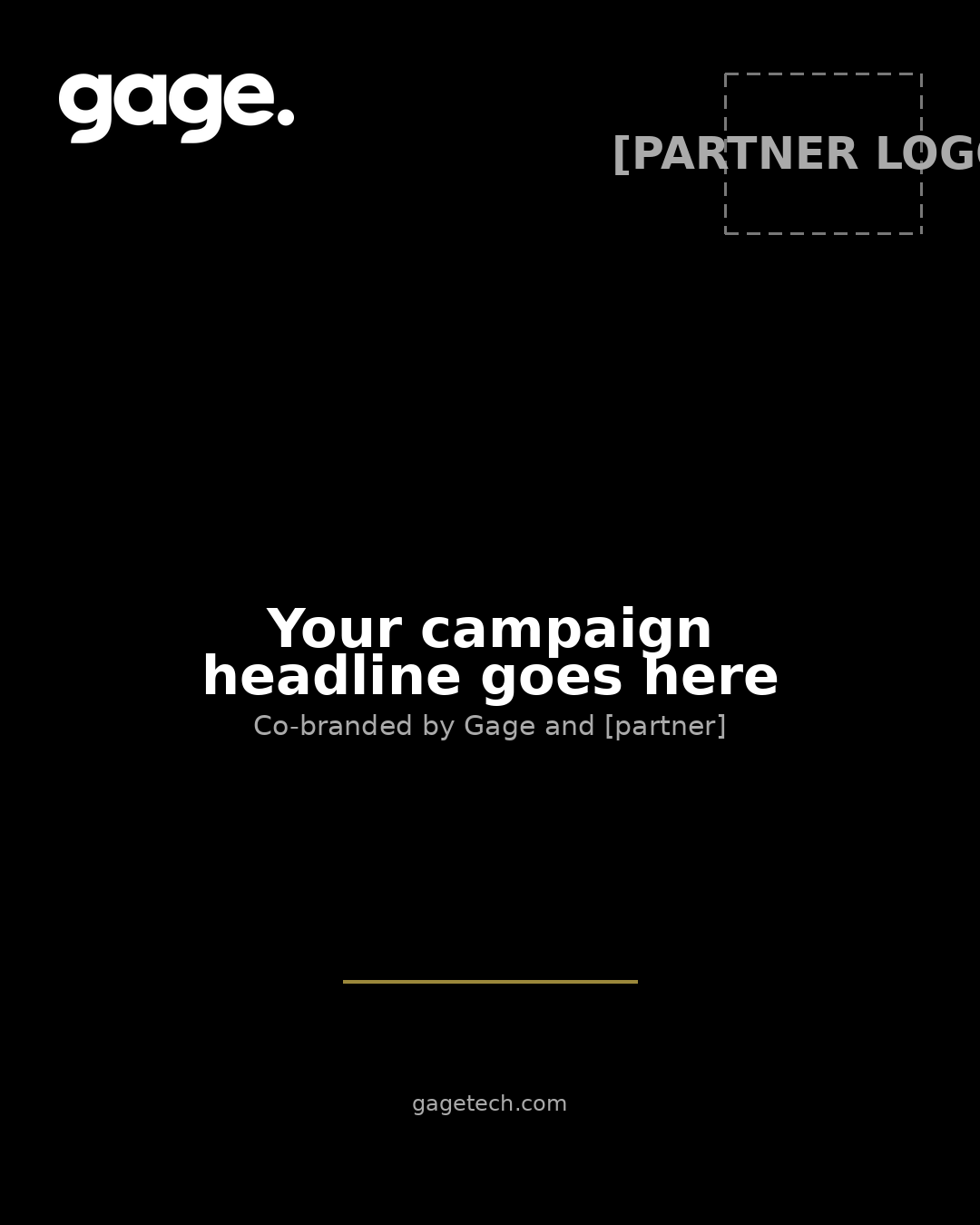
LinkedIn feed image template, 1080 by 1350
Feed · 1080×1350PNG
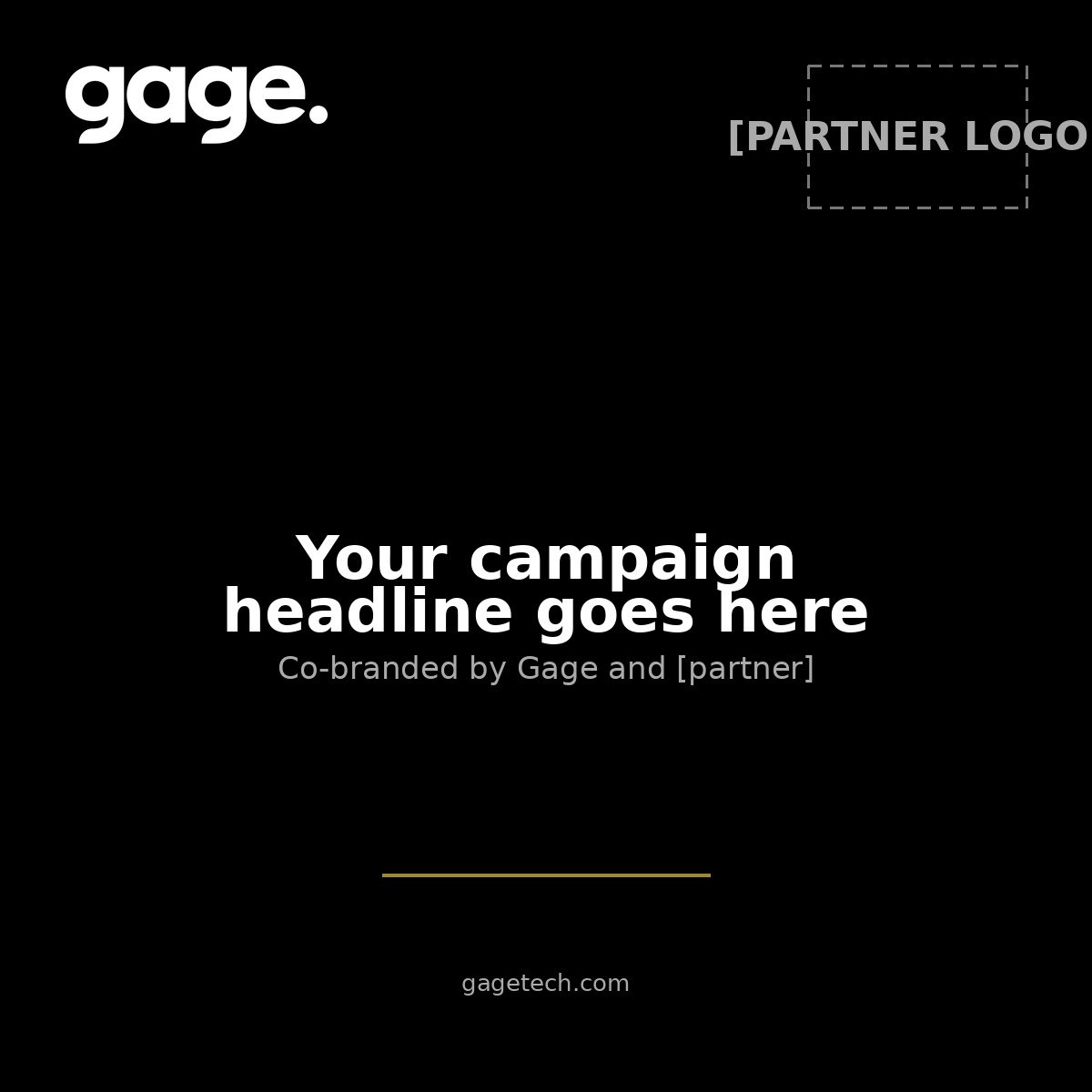
LinkedIn square image template, 1200 by 1200
Square · 1200×1200PNG

Web

Co-branded landing page

A single HTML file with the layout, fonts, and both logo slots in place. Your web team edits the text markers and points the form at your handler. No build step, no dependencies.

Need a different format? Booth banners, email headers, webinar decks, one-pagers: email dan.herman@gagetech.com and we'll either send what exists or build it with you.